Preview your own panoramic photos for a limited time only
Combine images with a single click and create a 360° panoramic view simply by entering them into the generator.
This page provides the following two free generators.
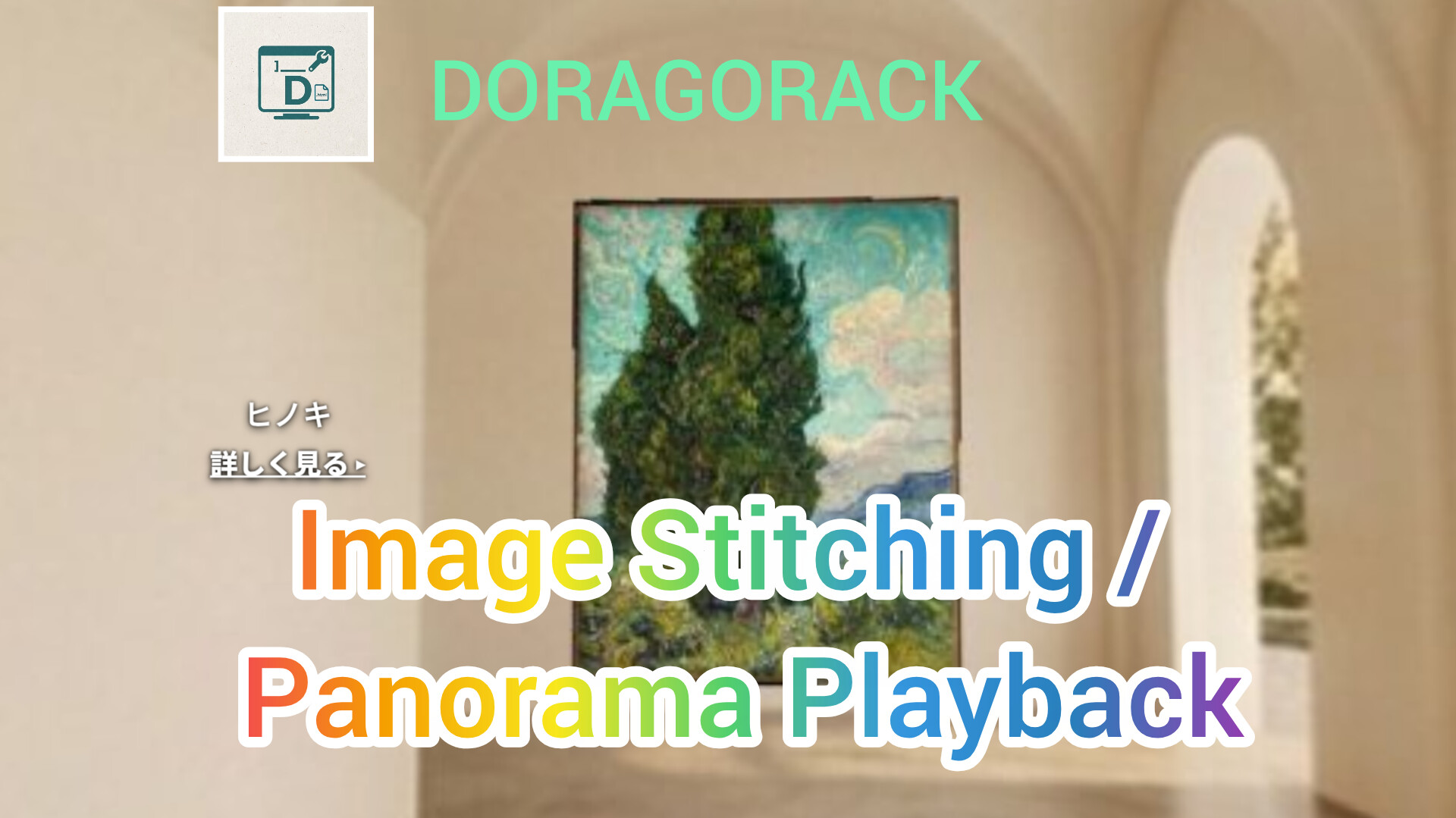
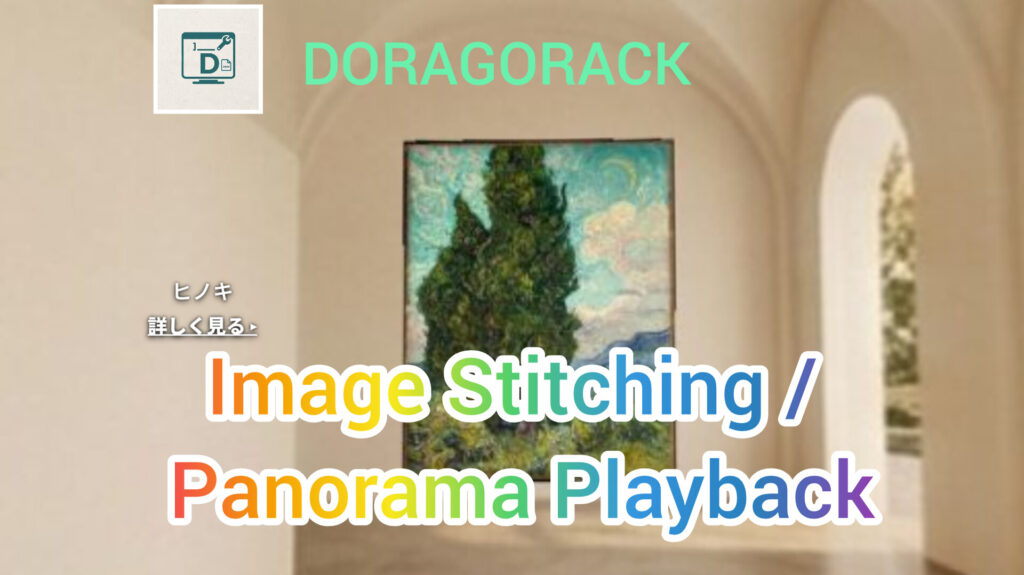
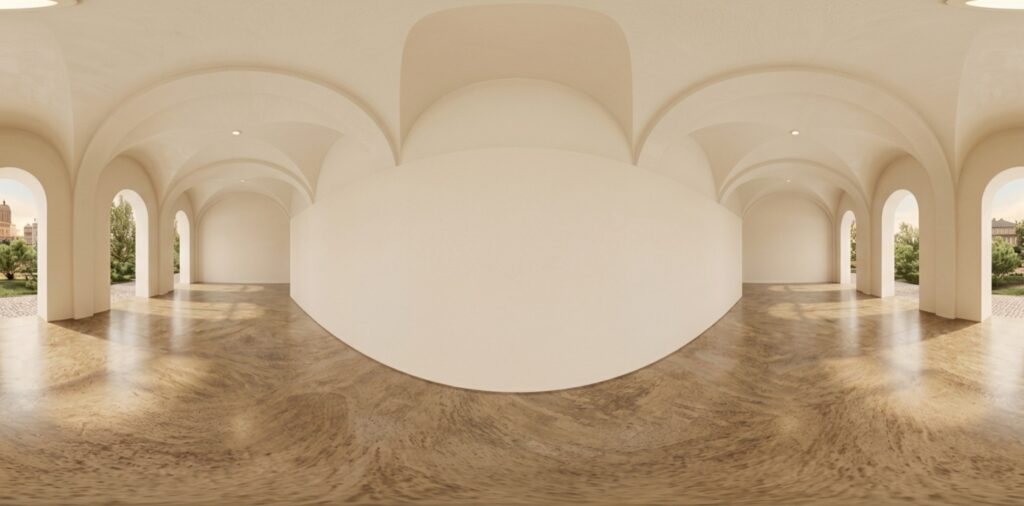
➀ A generator using the Canvas API that combines your artwork photos with a panoramic background image of a corridor featuring an arched ceiling and beautiful rows of columns.
② A generator that creates code for displaying panoramas using Pannellum. (You can also upload your own panoramic photos, such as scenery you have taken, and preview them only.)
➀ Using the Image Compositing Generator
Start compositing now → Go to Generator ➀
How to use: In the Panorama Gallery Generator below, select and upload an image file from your smartphone or computer for each of the left wall, center wall, and right wall fields.
About image size:
① Technical limitation: None (in theory, images of any size can be loaded)
② Recommended size: Approximately 1500–3000 px on the long side
③ Approximate upper limit: Above 4000 px on the long side, processing in the browser may become somewhat heavier (display itself is not a problem)
④ Approximate lower limit: Below 1000 px on the long side, the image may look somewhat rough when displayed on the wall. Recommended aspect ratios: The image is automatically fitted to the largest size that does not exceed the wall frame (angular width and height), but with extreme aspect ratios, there may be a large amount of empty space on one side.
Recommended aspect ratios:
① Landscape images around 4:3 to 3:2 fit best. Square images to portrait images around 3:4 are also supported.
② As a guideline, avoid extremely narrow panoramic images (such as 3:1) and extremely tall portrait images (such as 1:3). Images within approximately 3:4 (portrait) to 3:2 (landscape) will fit most beautifully.
Other aspect ratios can also be displayed through automatic adjustment, but empty space may be more noticeable.
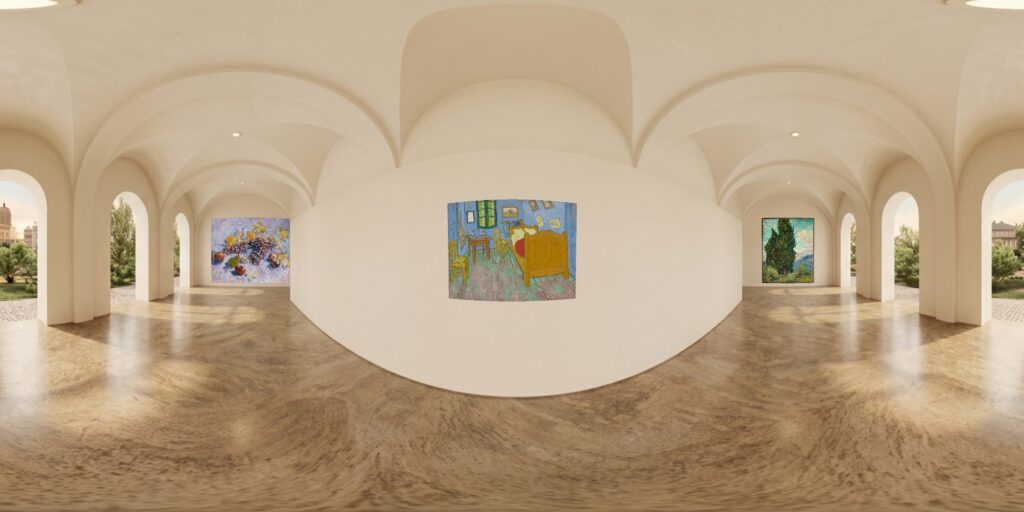
️
Example of completed image
You can also preview your own panoramic photos for a limited time using the tool below.
② A tool for creating panorama display code and viewing previews for a limited time
What you can do with Panorama Viewer Code Generator ②
★ Upload your own panoramic photo (2:1 aspect ratio) to the preview image selection field and view the preview.
★ Display the image composited with Generator ① as a panorama and set a link to the “View details” popup. Generate HTML code for WordPress. (To generate the code, upload the image to WordPress and enter its URL as well.)
★ You can also upload any panoramic photo you have (2:1 aspect ratio) for preview and code generation. “If you want to add a popup or link, you can change the position of the popup text in the coordinate settings within the generator. If left blank, only the panoramic image will be displayed.”
These are the three things you can do with the ★ features above.
️️
Using this generator, image compositing, panorama previews, and code generation are completely free.
Enjoy!
“Support the Developer / Tip Jar” All tools on this site are available completely free of charge, but if you like them, please consider supporting us to help with future development and maintenance! We use BOOTH, a safe platform in Japan, as the tip/support platform. As a thank-you gift, you can download a PDF file (Japanese, English, and Spanish) explaining how to add code that plays music to the code generated by the site’s generator — just copy and paste! You can support us with 100 yen (you will be redirected to BOOTH). 💡 About logging in: You need an account to make a purchase on BOOTH, but you can easily log in or register using your existing Google, Apple, X (formerly Twitter), or Facebook account without setting a new password. ※If you would like to provide additional support, you can freely enter any amount using “BOOST↑” on the payment screen!


コメント